
Import Vulcan
The Vulcan Import interface is designed to load VULCAN* data into Isatis.neo. Supported file types are drillholes (raw samples, desurveyed holes or composites), block models and meshes (triangulations).
(*) VULCAN is a trademark of MAPTEK.
Requirements:
- You must use Windows on your computer;
- You must have Maptek Vulcan 2023.4 or higher and Isatis.neo installed on the same computer, because the Vulcan Python module must be compatible with Python 3.11.
Note: The Vulcan Installation Directory should be automatically detected on your computer. When detected, the path is greyed out. If not, an error message will ask you to provide the path to the Vulcan directory.
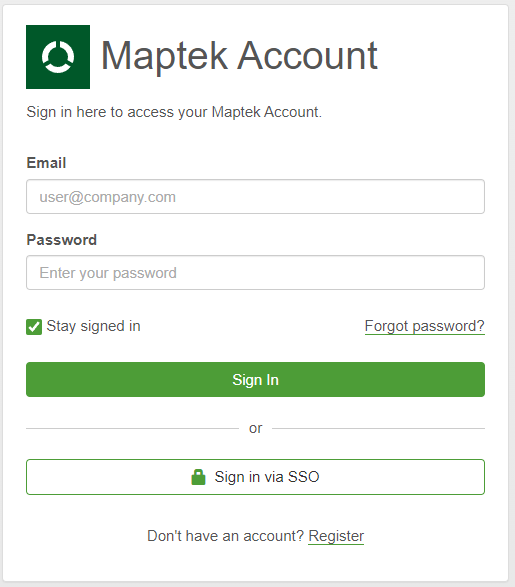
Important: The first time you open a Vulcan task, you may have to sign in (login + password) to your Maptek account in the window shown below.
The tool is located in Home / Import / Vulcan.
The interface is customized depending on the file you select: boreholes/drillholes, block model or mesh (triangulation).
