
Setting up an Email Account
DTS allows you to easily send one or more tasks to specified email addresses.
You must supply the details of the email account that DTS must use to send the emails.
To set up the email account:
-
1. Select Tools\Send Mail.
The Send Mail screen displays.
-
Click Mail Settings at the bottom of the screen.
-
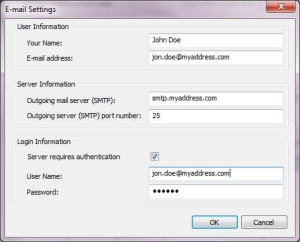
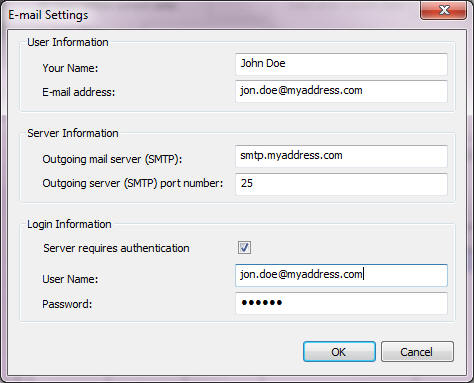
Configure the email account settings, for example:
| Field | Description |
| Your Name | Type in a display name |
| Email address | Type in the email address from which the mail will be sent |
| Outgoing mail server (SMTP) | Type in the name or IP address of your outgoing SMTP mail server |
| Outgoing server (SMTP) port number | The default port for SMTP servers is 25 |
| Server requires authentication | select this check box if the SMTP server requires a user name and password |
| User Name | type in your email account user name (this edit box will be greyed out if server authentication is not required) |
| Password | type in your email account password (this edit box will be greyed out if server authentication is not required) |
